The NCR Customer Connect Web Tutorial Video Series covers logging into your NCR Customer Connect account for the first time and creating and sending emails.
For an extensive library of help articles and other training resources for Customer
Connect, please refer to the Customer Connect knowledge base located at
this URL:
http://www.radiantretailapps.com/customerconnect
Please note that Customer Connect only supports
Internet Explorer and Mozilla Firefox.
Video 1: Getting Started
This video discusses the welcome email, user account information, how to reset your password and getting started with Customer Connect for new users.

Video 2: Exploring the Dashboard
This video covers the functionality of the dashboard, and introduction to the layout of the Customer Connect interface, and links to helpful resource articles.
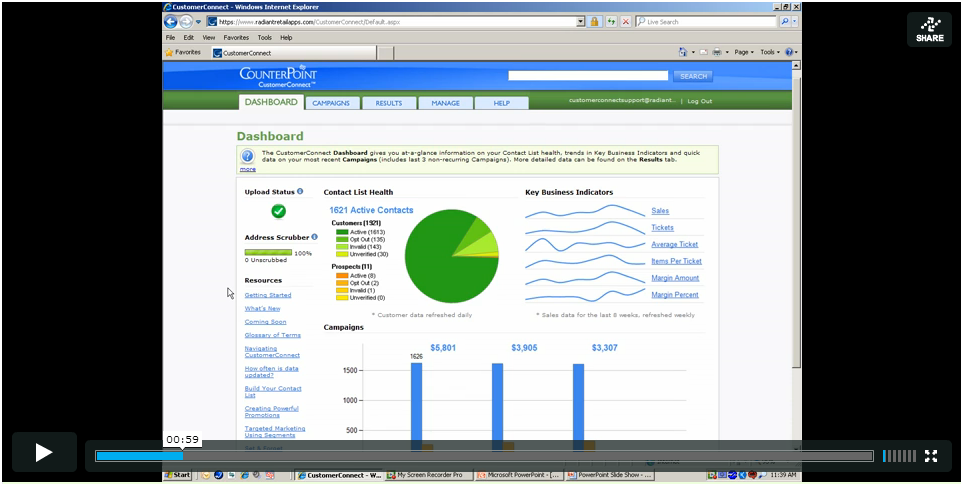
Video 3: Exploring the Results Tab
This video discusses built in Customer Connect contact, campaign, links and business reporting.

Video 4: Exploring the Manage Tab
This video demonstrates how to upload contact lists and images, set defaults, custom variables, and where to find the HTML code for setting up a subscribe link on your website.
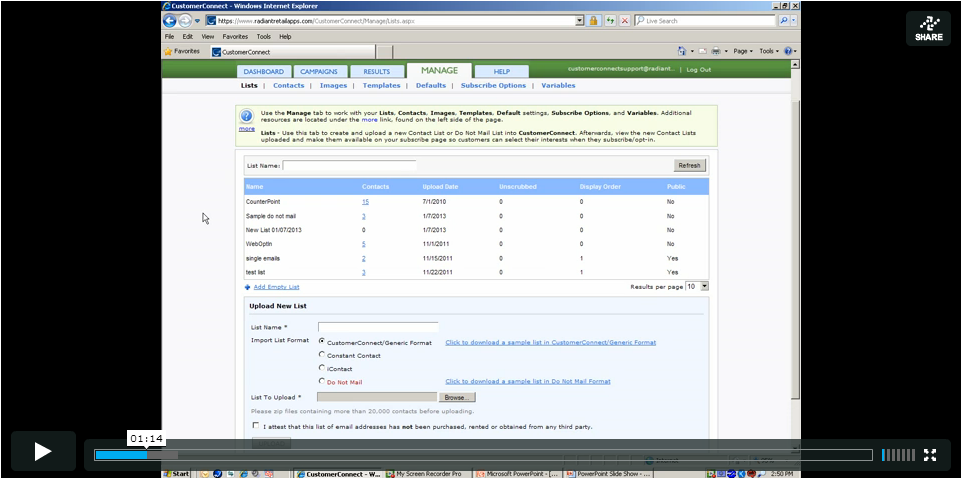
Video 5, part 1: Creating New Campaigns and Emails
This video covers how to create and name new emails and campaigns, and how to change emails specific default settings.
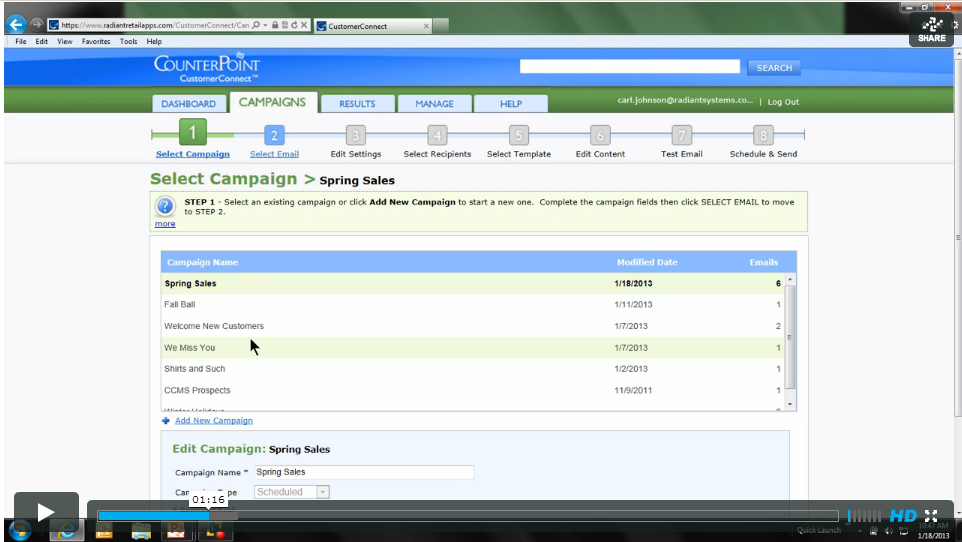
Video 5, part 2: Editing Email Recipients Under Step 4 of the Campaigns Tab
This video discusses how to the built in segmentation features for using segment defaults and how to set up your own custom segment.
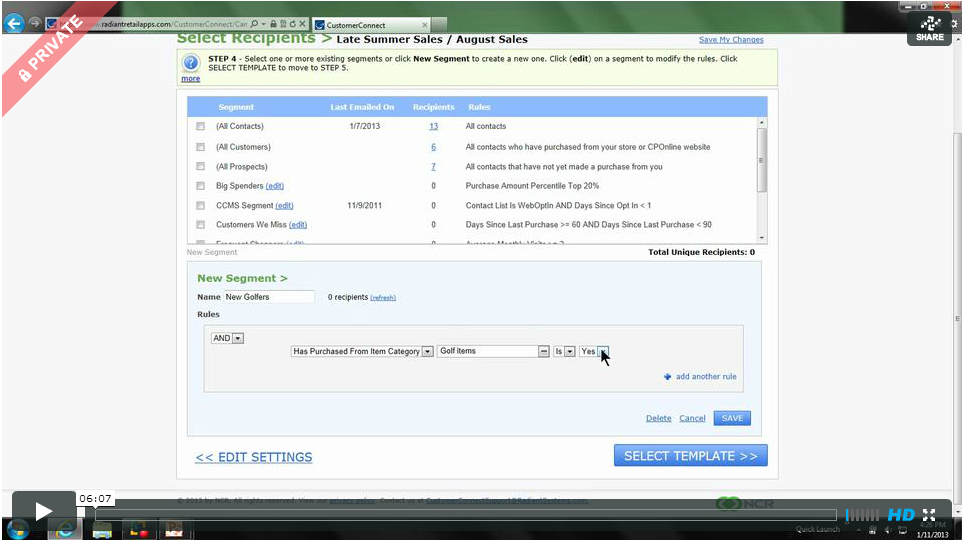
Video 5, part 3: Choosing and Editing Templates
This video discusses how to choose a stock and existing templates and how to edit a template using the built in text editor.

Video 5, part 4: Scheduling and Sending Your Email
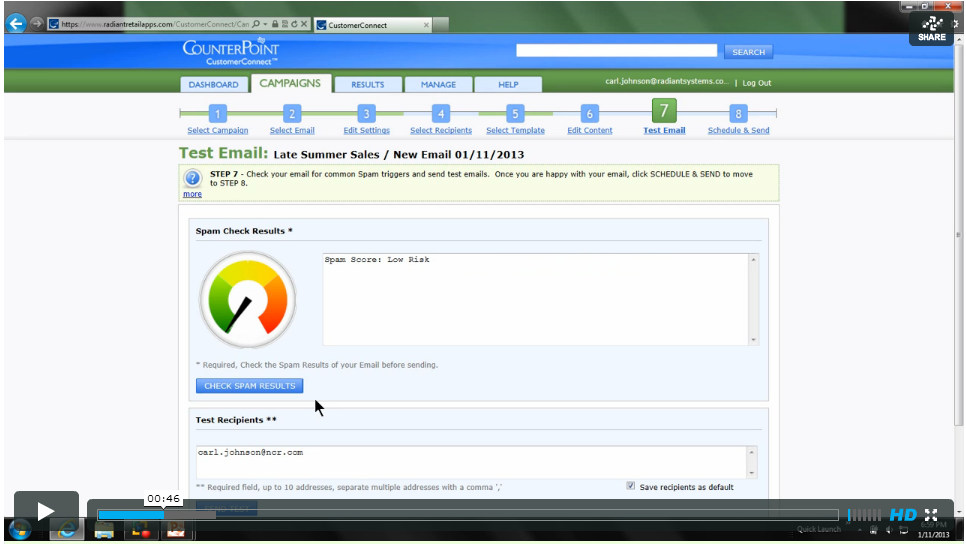
This video discusses how to check email spam results, send a test email, and how to send a onetime "send now" or "send later" email, as well as how to set up a recurring or "set and forget" email.
|



 Add Comment

 Subscribe to Article
 Print Article
 Email Article to Friend
 Export to MS Word