|
The NCR Customer Connect web training series will cover logging into your Customer Connect account for the first time and creating and sending emails.
Video 1: Getting Started
This video discusses the welcome email, user account information, how to reset your password and getting started with Customer Connect for new users.

Video 2: Exploring the Dashboard
This video covers the functionality of the dashboard, and introduction to the layout of the Customer Connect interface, and links to helpful resource articles.
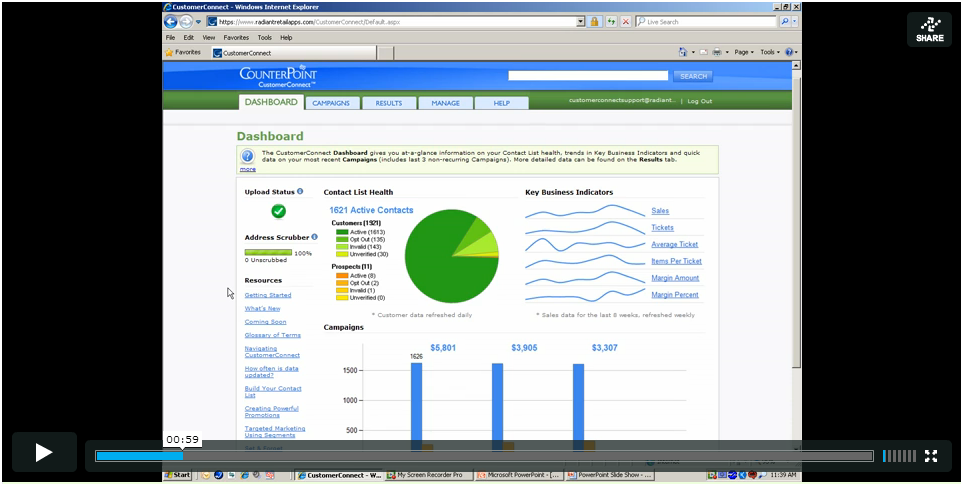
Video 3: Exploring the Results Tab
This video discusses built in Customer Connect contact, campaign, links and business reporting.

Video 4: Exploring the Manage Tab
This video demonstrates how to upload contact lists and images, set defaults, custom variables, and where to find the HTML code for setting up a subscribe link on your website.
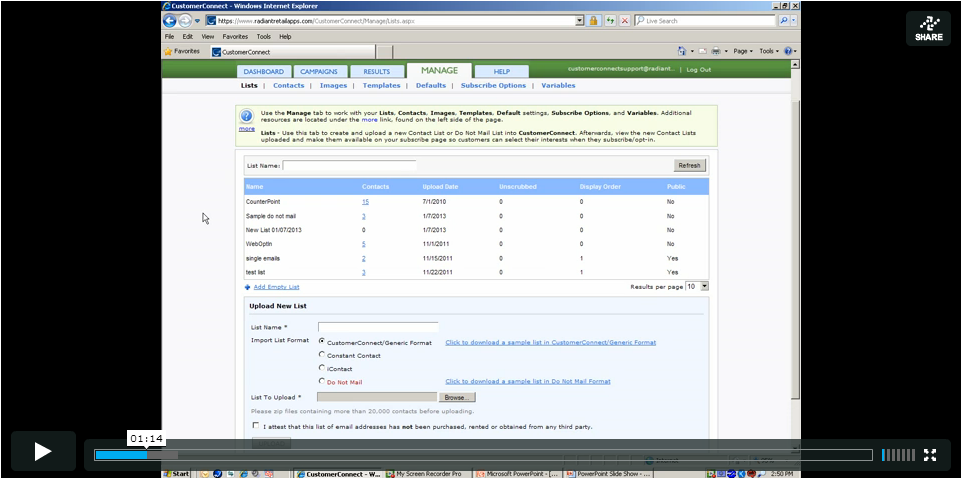
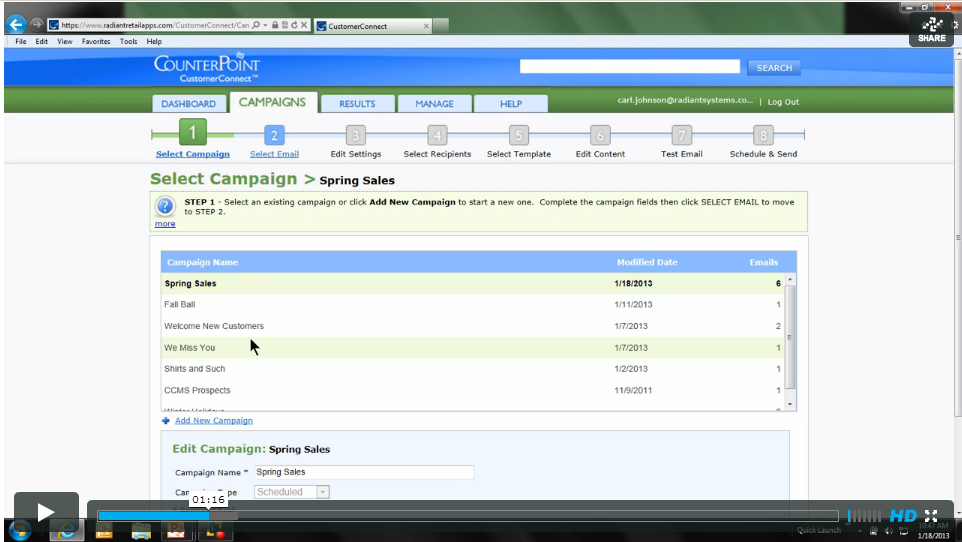
Video 5, part 1: Creating New Campaigns and Emails
This video covers how to create and name new emails and campaigns, and how to change emails specific default settings.
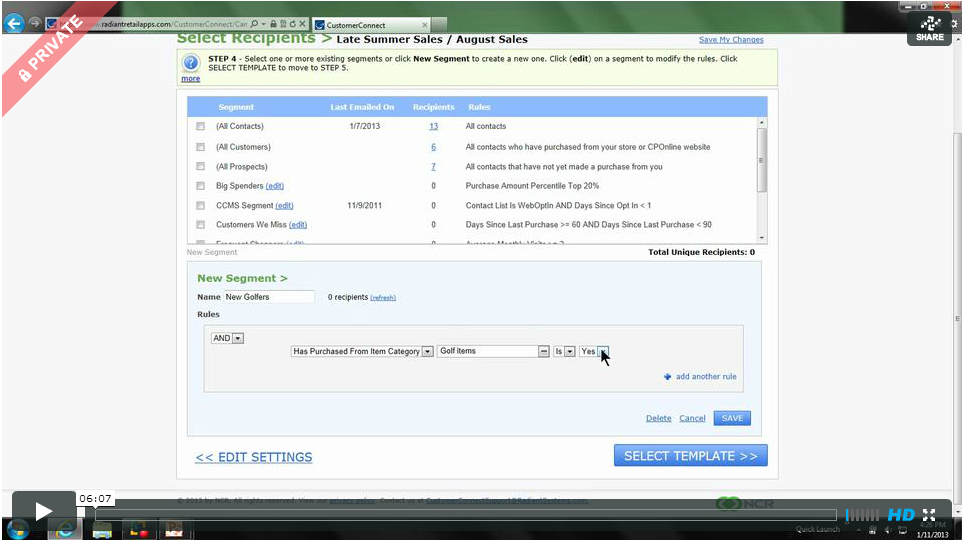
Video 5, part 2: Editing Email Recipients Under Step 4 of the Campaigns Tab
This video discusses how to the built in segmentation features for using segment defaults and how to set up your own custom segment.
Video 5, part 3: Choosing and Editing Templates
This video discusses how to choose a stock and existing templates and how to edit a template using the built in text editor.

Video 5, part 4: Scheduling and Sending Your Email
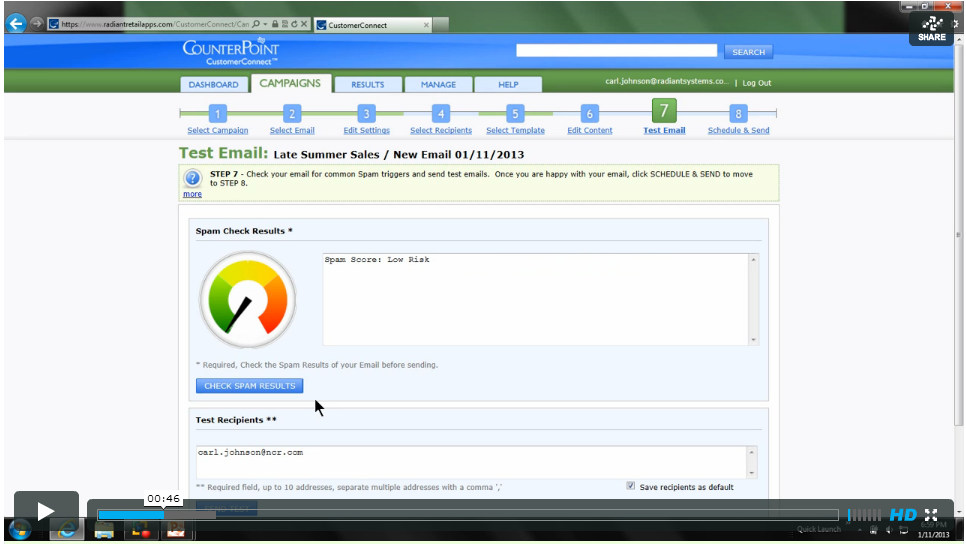
This video discusses how to check email spam results, send a test email, and how to send a onetime "send now" or "send later" email, as well as how to set up a recurring or "set and forget" email.
|




 Add Comment
 Subscribe to Article
 Print Article
 Email Article to Friend
 Export to MS Word